Crossing the Alps? Driving to the coast? Know the weather at every stop along the way, timed to when you'll actually be there, not just "tomorrow's forecast".
Try WeatherGPX free →
Works directly from Google Maps, no GPX file, no extra apps, no account needed
No GPX file needed. Copy your Google Maps directions URL and paste it into WeatherGPX, your route is instantly loaded. Works for any destination, any distance.
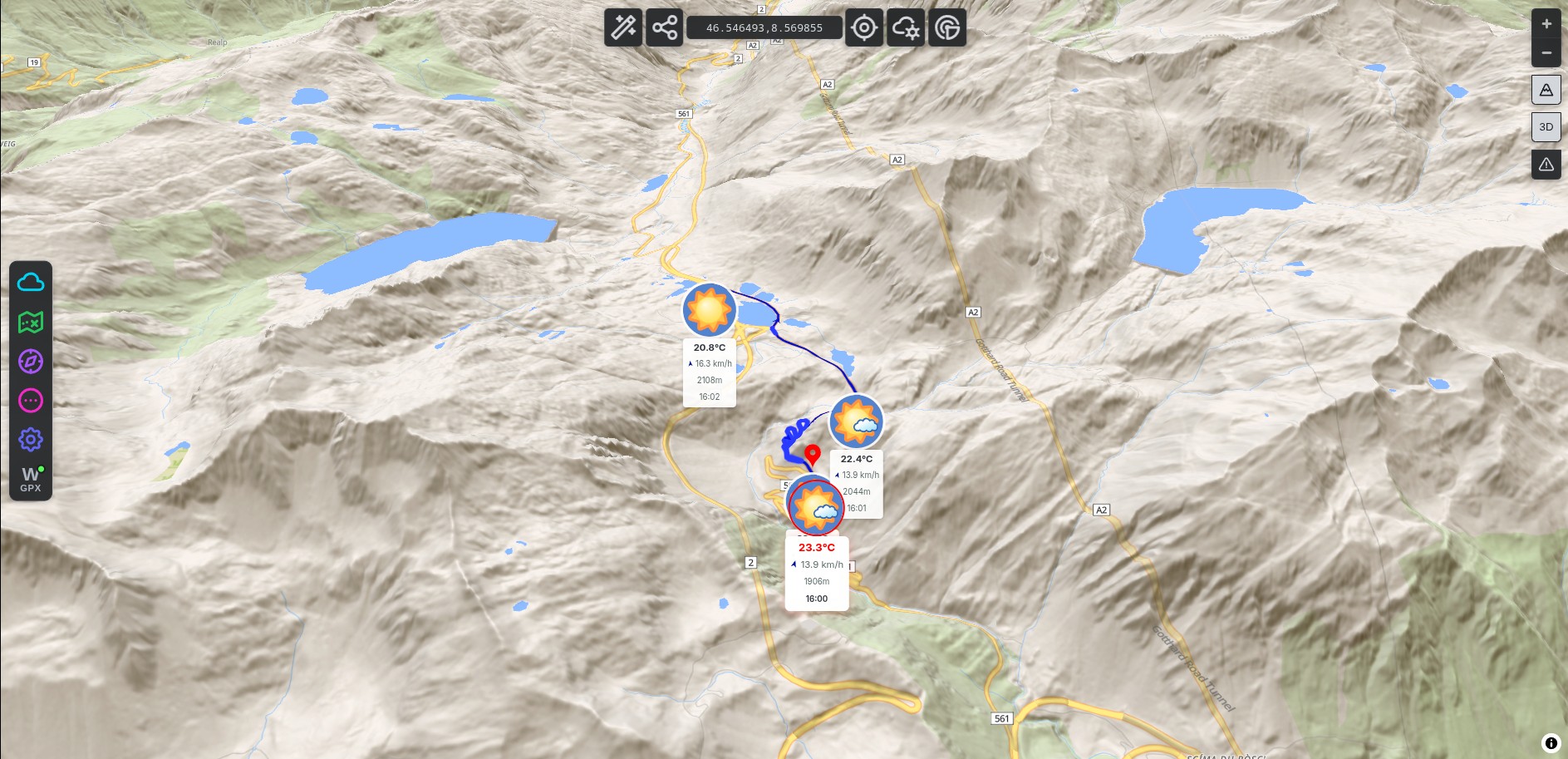
The mountain pass is 3 hours into your drive. What matters is the weather there at 11:00, not the current forecast. WeatherGPX calculates your arrival time at each point and matches the forecast to it.
Flexible on when to leave? WeatherGPX finds the 5 best departure windows over the next 16 days for your specific route, avoid the rain crossing the Alps, pick the clearest day for a scenic drive.
Active wildfires, floods, earthquakes, cyclones, volcanoes and droughts, drawn on the map from NASA FIRMS and GDACS. Useful when the route crosses a region you have never driven.
Just open Google Maps, get directions, copy the URL. That's it.
Open Google Maps, enter your start and end point, get driving directions, then copy the URL from your browser. Paste it into WeatherGPX, your route loads instantly.
Tell WeatherGPX when you plan to leave. It uses your driving speed to estimate when you'll reach each waypoint along the route.
Temperature, wind, rain probability at every waypoint, timed to your arrival. Up to 16 days ahead, plan around the weather, not after the fact.
Free, no account needed. Just paste your Google Maps route and go.
Open WeatherGPX →